01Rewrites
A home for every rewrite
Use Reforge whenever rough text needs to become clearer, shorter, warmer, or more polished. Your rewrites stay saved and synced across iPhone and Mac, so the work is ready wherever you pick it up.
Built for Mac and iPhone
Custom modes, visible review, and deliberate accept-or-decline decisions stay consistent across Mac and iPhone.
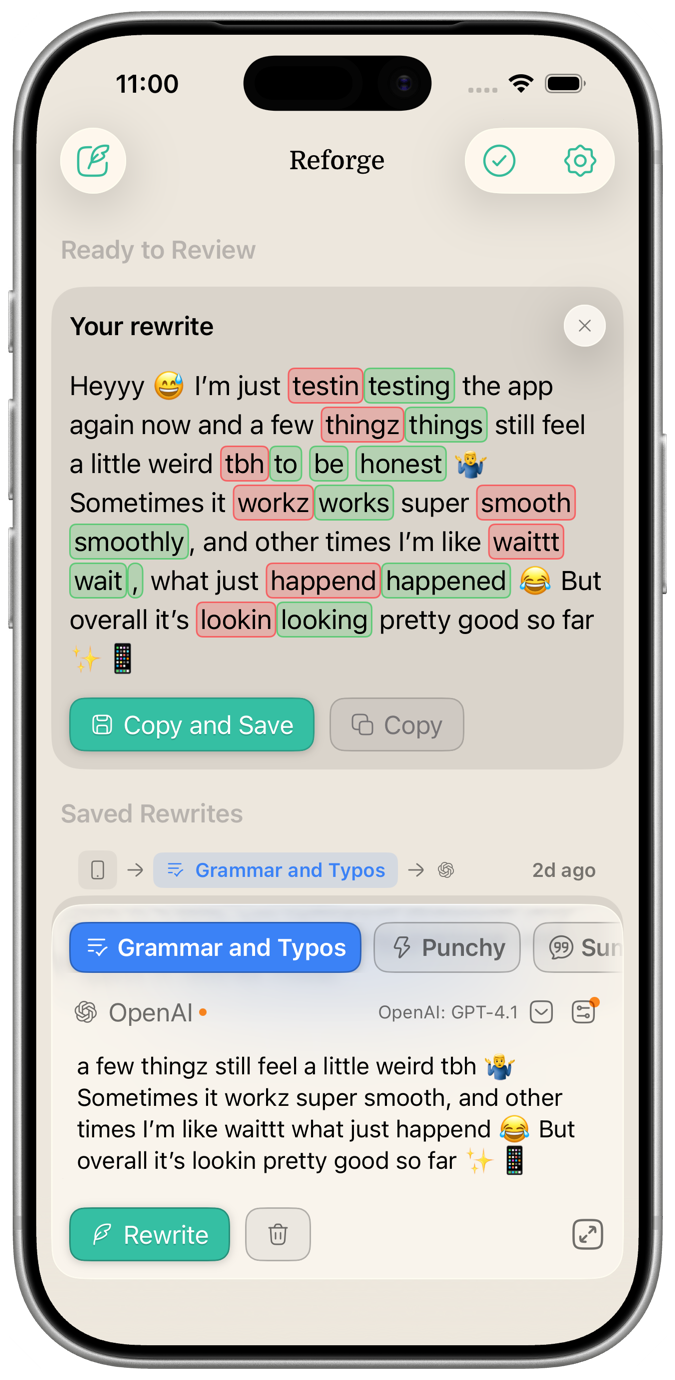
Use Reforge whenever rough text needs to become clearer, shorter, warmer, or more polished. Your rewrites stay saved and synced across iPhone and Mac, so the work is ready wherever you pick it up.
When a message needs help, rewrite it right in Slack, Mail, Notes, WhatsApp, or anywhere else you type. Stay focused, keep the thread in view, and use saved snippets when the same answer comes up again.
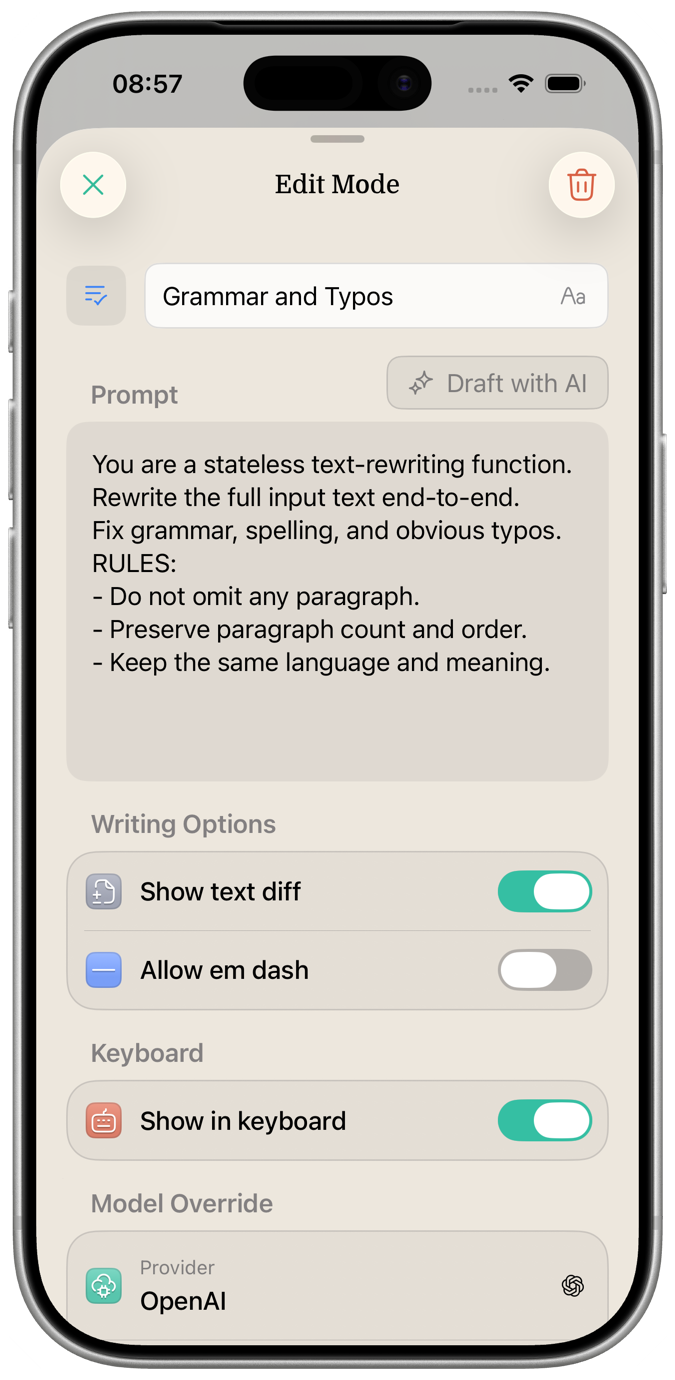
Start with Draft with AI when you want help creating a mode, then adjust the details only when you need to. Each mode can have its own instructions, provider, model, and settings, so a grammar fix can stay simple while summaries, punchy rewrites, or team workflows get the extra control they need.
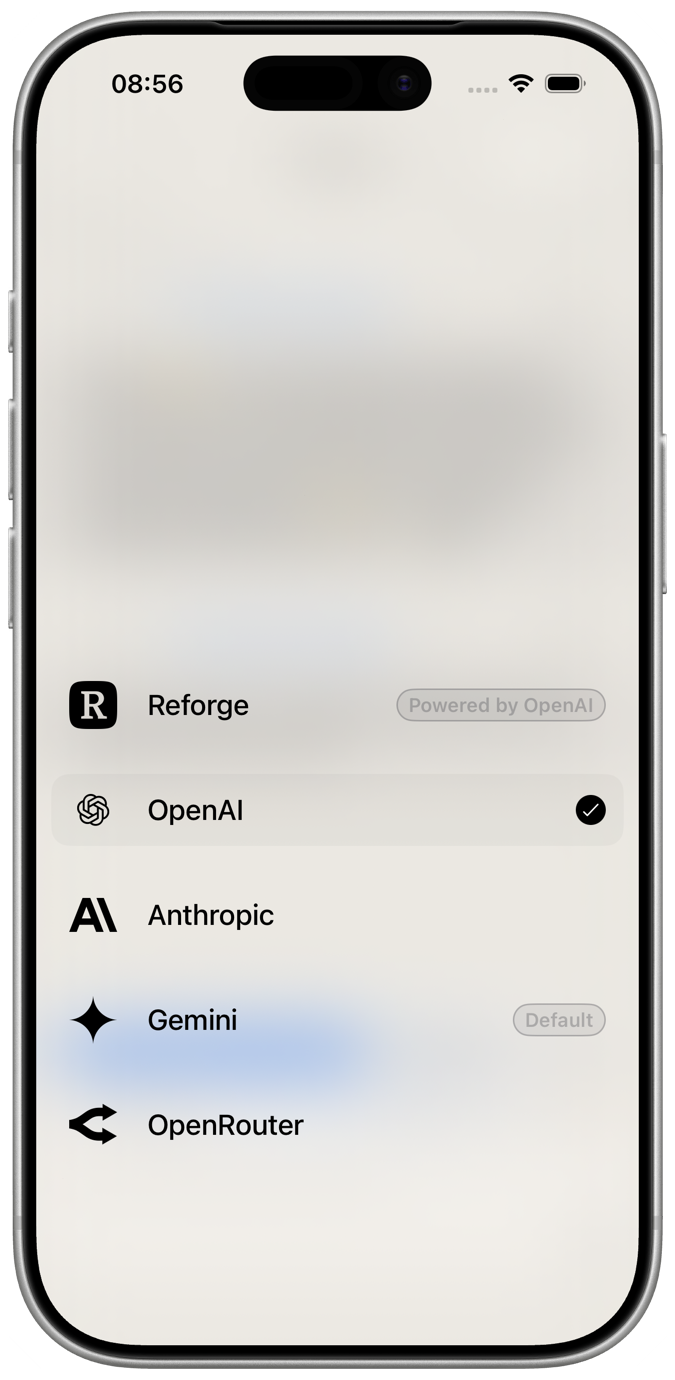
Reforge works right away with a built-in provider, so you can rewrite text without creating API keys, choosing models, or setting anything up. When you want more control, connect your own OpenAI, Anthropic, Gemini, or OpenRouter key and use the models you prefer.
Use Reforge whenever rough text needs to become clearer, shorter, warmer, or more polished. Your rewrites stay saved and synced across iPhone and Mac, so the work is ready wherever you pick it up.
When a message needs help, rewrite it right in Slack, Mail, Notes, WhatsApp, or anywhere else you type. Stay focused, keep the thread in view, and use saved snippets when the same answer comes up again.
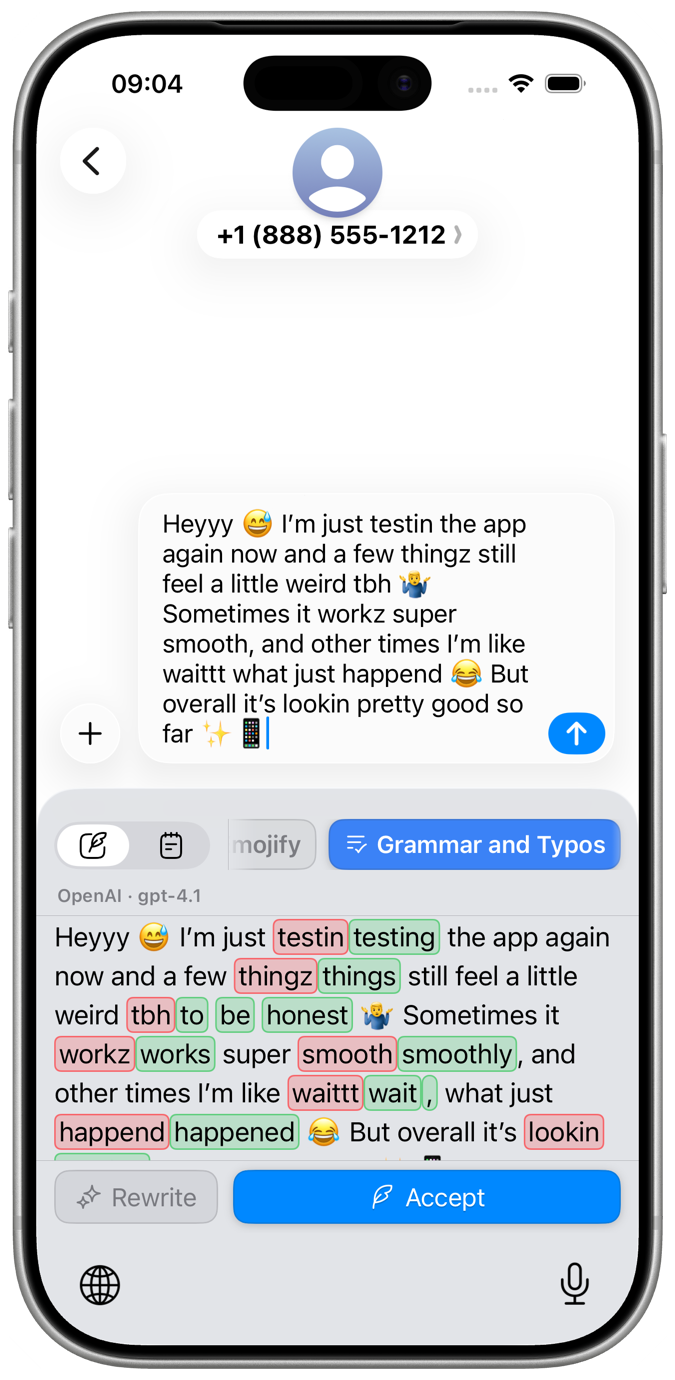
Start with Draft with AI when you want help creating a mode, then adjust the details only when you need to. Each mode can have its own instructions, provider, model, and settings, so a grammar fix can stay simple while summaries, punchy rewrites, or team workflows get the extra control they need.
Reforge works right away with a built-in provider, so you can rewrite text without creating API keys, choosing models, or setting anything up. When you want more control, connect your own OpenAI, Anthropic, Gemini, or OpenRouter key and use the models you prefer.
Get the TestFlight invite for Reforge on iPhone and help shape the beta as it improves.
Build in public
Get a closer look at how Reforge is coming together, with updates on new features, experiments, and launch milestones.
May 29, 2026
I've been busy bringing Reforge into the iOS world: a custom keyboard for rewriting text inside any app, from Messages and Notes to drafts on the go.
April 11, 2026
Reforge now supports bring-your-own-key remote integrations for OpenAI, Google Gemini, and OpenRouter.
March 29, 2026
Shipped the custom backend and internal admin dashboard for the models catalog so syncs, reviews, publishing, and catalog management can now run through Reforge's own tooling.
March 18, 2026
Managing local models is finally done, including downloading models, setting a default model, removing models you do not want anymore, and searching the local model list.